My Favorite Figma Plugins

Figma has become one of the most powerful design tools available today. While its built-in features are already impressive, plugins can make the design process even more efficient by automating repetitive tasks and improving workflow.
Over the years, I've experimented with dozens of plugins. Some were useful for a while, while others became an essential part of my daily workflow.
These are the plugins I consistently use whenever I design websites, dashboards, or mobile applications :
Iconify
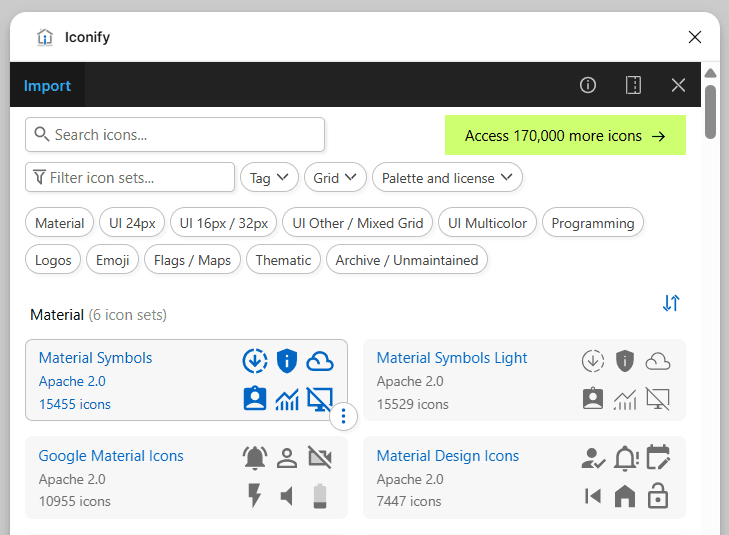
Finding icons from different libraries used to be time-consuming.
With Iconify, I can access thousands of icons from popular collections like Material Symbols, Heroicons, Phosphor, Lucide, and many more—all without leaving Figma.
Having every icon library in one place makes it much easier to maintain consistency throughout a project.
Whether I'm designing a dashboard or a mobile app, Iconify is usually one of the first plugins I install.
Content Reel
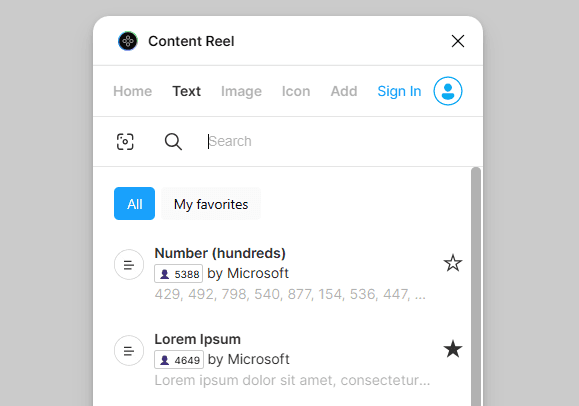
Designing with realistic content always produces better results than using placeholder text like "Lorem Ipsum."
Content Reel allows me to quickly insert names, email addresses, phone numbers, avatars, and company information into my mockups.
This helps me visualize how a design will actually look when populated with real content, making usability issues easier to identify early in the design process.
Unsplash
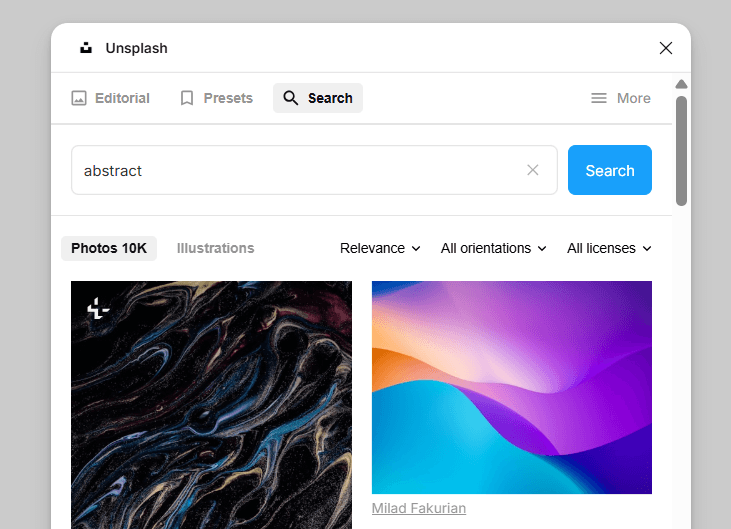
Every landing page or marketing website needs high-quality imagery.
Unsplash allows me to search and insert professional photos directly inside Figma without switching between browser tabs.
It's especially useful during the wireframing and concept stages, when speed is more important than sourcing final assets.
Blush
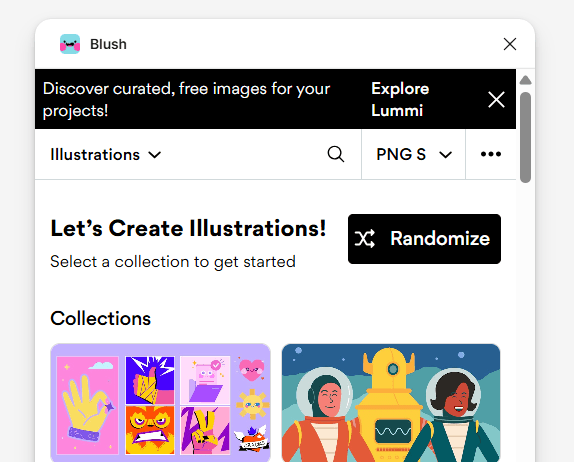
Not every project requires custom illustrations from scratch.
Blush makes it easy to create beautiful, customizable illustrations directly inside Figma. With a wide variety of illustration styles and editable elements, it's a great tool for adding personality to websites, onboarding screens, and empty states.
I often use Blush during the early design phase when I need high-quality visuals without spending hours creating custom artwork. It helps bring concepts to life while keeping the workflow fast and efficient.
Plugins Are Tools, Not Shortcuts
It's easy to believe that installing more plugins will automatically improve your designs.
In reality, plugins don't replace design thinking.
They simply remove repetitive tasks, allowing designers to spend more time solving real problems instead of performing manual work.
The best workflow isn't the one with the most plugins—it's the one that lets you focus on creating meaningful user experiences.
Every designer develops a unique workflow over time, and plugins naturally become part of that process.
The plugins I use aren't necessarily the "best" for everyone, but they've helped me work faster, stay organized, and spend more time on what truly matters: designing better experiences for users.
At the end of the day, great design comes from thoughtful decisions—not from the tools themselves.